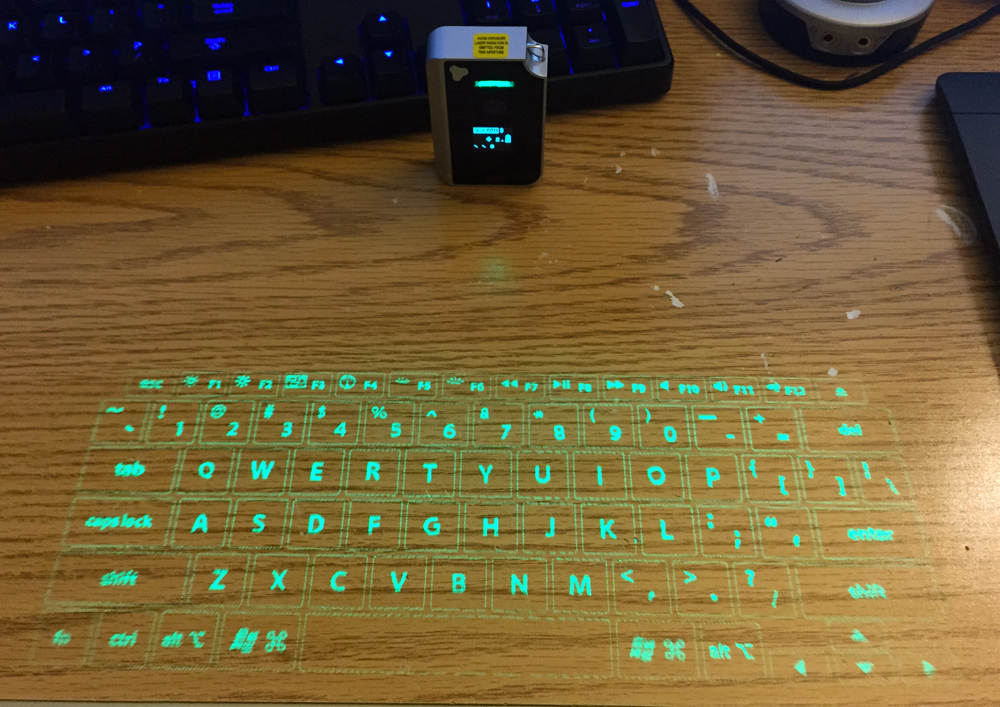
I happened to find one of these in the electronics display case at a Goodwill thrift shop, complete in box:
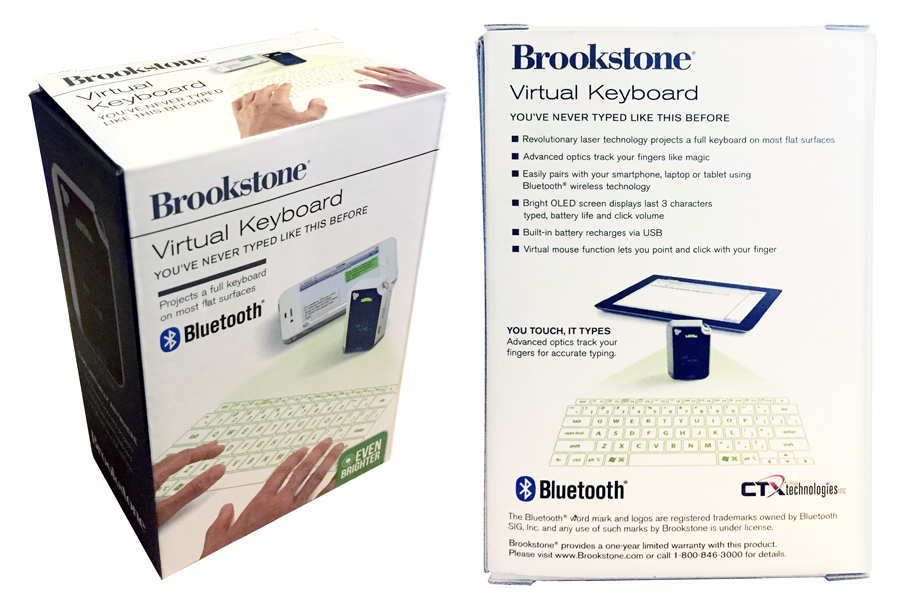
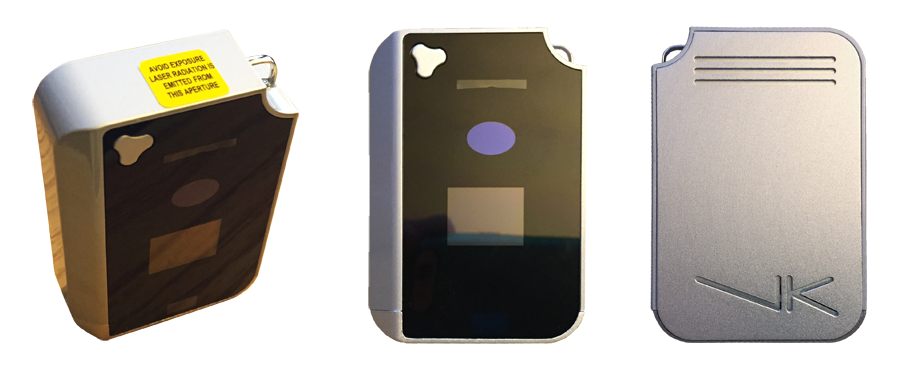
Now you might be thinking that this just looks like an uncomfortable, difficult to use, high-tech gimmick. And that's pretty much what it is. Luckily I only paid one tenth it's $130 retail price. Though the name Brookestone adds about $90 markup to it's price. I found no-name manufacturers selling versions of this on Amazon for around $40. To be fair, the clones were using red lasers and this one uses a better quality green laser.
Well, after having seen photos of this mysterious device for decades, I was eager to find out how well it worked.
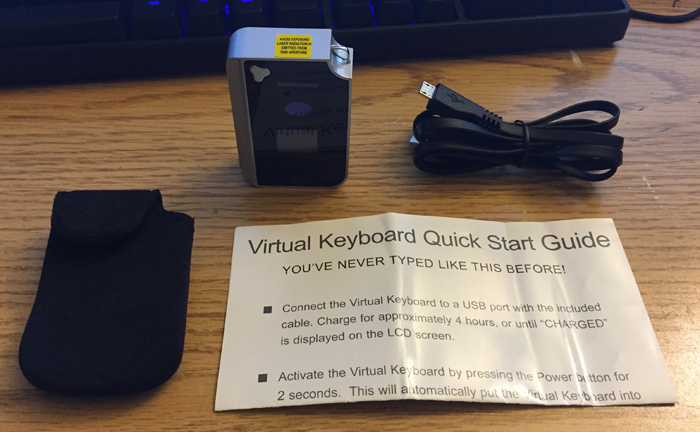
Seen below is what's included. A protective stretchy case, a USB cable, the device itself and an instruction manual. Not shown is the gift-receipt I found in the box. I guess someone didn't like their gift, ha!
We'll start with the positive features.
The Good
This device acts like a bluetooth keyboard, so it works with Android and iOS out of the box. It was no problem for me to connect / pair. If you have a PC or Mac with Bluetooth support, it can work with those as well. Though, if you're using it with a proper computer you can actually use it's included micro usb cable to attach it as a regular USB input device. The benefit of this is that you can charge it while you use it. Bluetooth mode will simply drain it's battery, so might as well plug it in if you're not on a mobile.
It's both a keyboard and a mouse! One really cool feature, is that Alt-Command can be pressed to toggle it from KBD to MSE mode. When in mouse-mode, the keyboard still displays, but you can drag your finger across the surface to use it like a touch pad mouse. Surprisingly, it even supports multi-touch gestures! If you use the mouse mode with two-fingers, it will scroll! It says it supports pinch-and-zoom multi-touch gesture for zooming, but I haven't gotten that to work. Simply touching Alt-Command again will return it to Keyboard Mode.
It's green! Gosh, I remember when red laser pointers we the rage in middle schools, and they still cost like $20 a pop. Then green lasers came on the the scene. Better, Brighter, Greener. I remember working at the Discovery Channel Store at the time and we got one in. In was behind glass in a display case, and came with a little leather carrying box. It was about $85 if I remember correctly, and boy did I want one. Later a friend of mine picked up a green laser on the Internet for around $70 and wouldn't let anyone touch it. Was pretty awesome though, to hold that epic torch and touch the stars. These days Green lasers and even Blue lasers can be had sub $20. But this keyboard is the only version I've seen in bright green. If you google virtual laser keyboard all the results will have the dimmer red laser. So it's refreshing to see that the engineers actually revisited this idea with a better laser diode. I never used a red virtual keyboard, but based on my experience with red vs green vs blue laser pointers, I imagine this keyboard is an order of magnitude easier to see.
The Bad
The main problem is, for being a keyboard, it's not really a good keyboard:
- There's zero tactile feed back, obviously. Now I know how cats feel when they try to catch the red-dot. Coming from the world of mechanical keyboards, I don't think I could ever truly get used to a zero-feedback keyboard. This problem isn't unique to this device, though. Technically all tablets and phones are zero feedback.
- Despite the lack of feedback, it fails at being a keyboard primarily because it's slow. If you meticulously aim every keystroke the device will pick up your input as intended. But any faster and it will start dropping letters, or replacing them with the wrong letters, or even adding unintended letters. In order to get any use out of this, slow and steady is the only reasonable way.
- It doesn't have a number pad or the extra insert / home / del / end keys, etc. Not everyone needs those, but as a programmer and someone who types a lot, those extra keeps are indispensable. Also the numpad is a requirement for working with Blender.